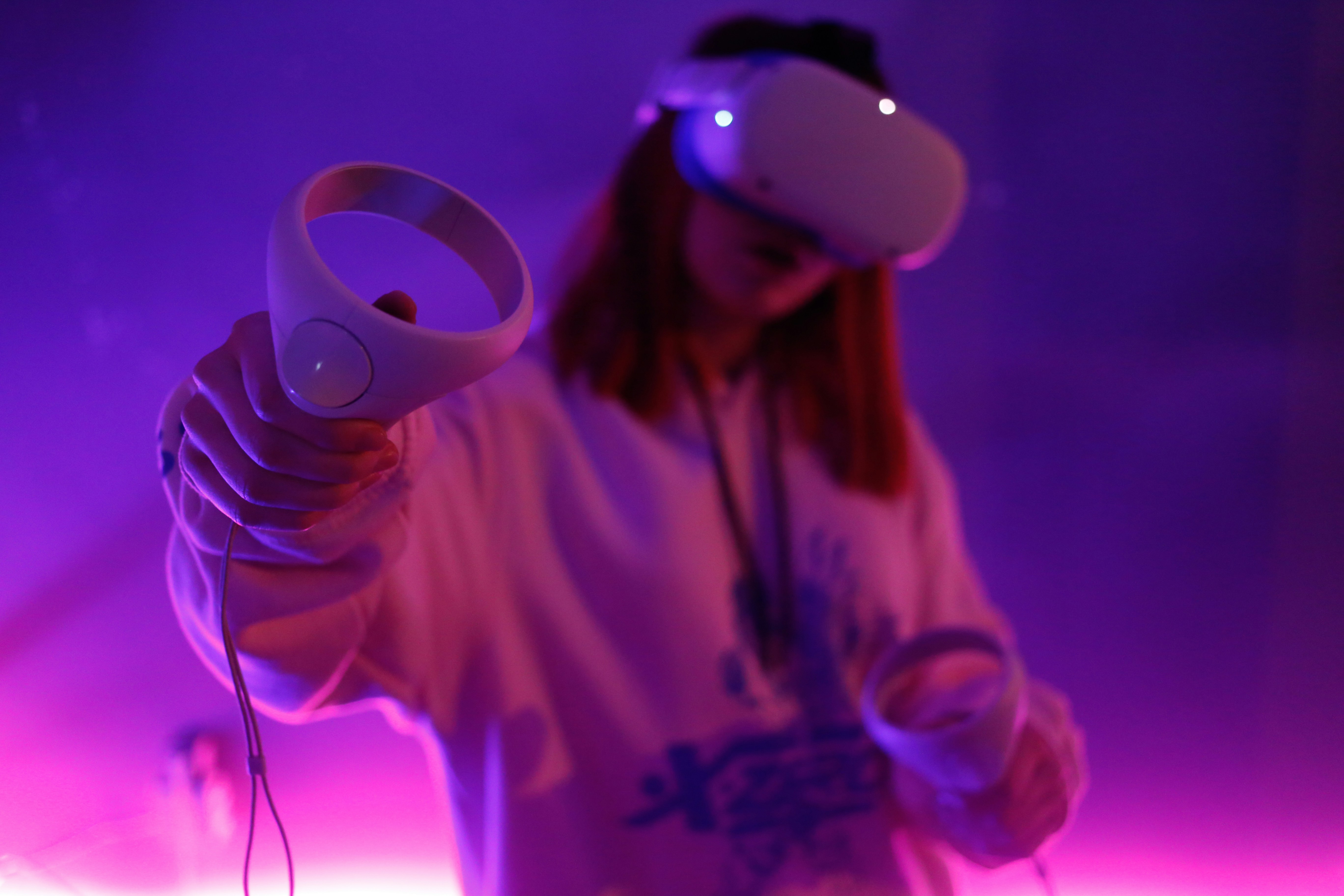
The Challenge
Implementing mobile room-scanning and 3D reconstruction technology often results in a frustrating user experience due to a lack of feedback. Users easily lose track of which physical areas they have already scanned. The goal for this ongoing sprint is to design a mobile-first interface that guides users flawlessly through physical spaces to generate accurate 3D models via their camera.
The Architecture & Solution
We are currently prototyping a Mixed Reality HUD overlay directly onto the camera feed. Instead of complex progress bars, the UI uses a dynamic AR mesh that visually "paints" the environment as it's scanned. I am integrating subtle haptic feedback to notify the user when they are panning too fast or when a corner of the room requires more data points, effectively turning a highly technical scanning process into an intuitive, gamified interaction.
using UnityEngine;
using UnityEngine.XR.ARFoundation;
using SpatialRecon.Haptics;
using SpatialRecon.UI;
namespace SpatialRecon.Core
{
[RequireComponent(typeof(ARMeshManager))]
public class RoomCaptureEngine : MonoBehaviour
{
[Header("HUD Architecture")]
[SerializeField] private DynamicMeshOverlay hudOverlay;
[SerializeField] private Material scannedSurfaceMaterial;
[Header("System Metrics")]
private ARMeshManager _meshManager;
private HapticController _hapticController;
private float _currentScanDensity = 0f;
private const float TARGET_DENSITY_THRESHOLD = 0.95f;
private void Awake()
{
_meshManager = GetComponent<ARMeshManager>();
_hapticController = new HapticController();
}
private void OnEnable()
{
_meshManager.meshesChanged += OnSpatialMeshUpdated;
}
private void OnDisable()
{
_meshManager.meshesChanged -= OnSpatialMeshUpdated;
}
private void OnSpatialMeshUpdated(ARMeshesChangedEventArgs args)
{
foreach (var meshFilter in args.added)
{
ApplyDiegeticMaterial(meshFilter);
CalculateScanProgress(meshFilter.mesh);
}
foreach (var meshFilter in args.updated)
{
UpdateMeshTopology(meshFilter);
}
hudOverlay.RenderMeshFeedback(_currentScanDensity);
}
}
}
}using UnityEngine;
using UnityEngine.XR.ARFoundation;
using SpatialRecon.Haptics;
using SpatialRecon.UI;
namespace SpatialRecon.Core
{
[RequireComponent(typeof(ARMeshManager))]
public class RoomCaptureEngine : MonoBehaviour
{
[Header("HUD Architecture")]
[SerializeField] private DynamicMeshOverlay hudOverlay;
[SerializeField] private Material scannedSurfaceMaterial;
[Header("System Metrics")]
private ARMeshManager _meshManager;
private HapticController _hapticController;
private float _currentScanDensity = 0f;
private const float TARGET_DENSITY_THRESHOLD = 0.95f;
private void Awake()
{
_meshManager = GetComponent<ARMeshManager>();
_hapticController = new HapticController();
}
private void OnEnable()
{
_meshManager.meshesChanged += OnSpatialMeshUpdated;
}
private void OnDisable()
{
_meshManager.meshesChanged -= OnSpatialMeshUpdated;
}
private void OnSpatialMeshUpdated(ARMeshesChangedEventArgs args)
{
foreach (var meshFilter in args.added)
{
ApplyDiegeticMaterial(meshFilter);
CalculateScanProgress(meshFilter.mesh);
}
foreach (var meshFilter in args.updated)
{
UpdateMeshTopology(meshFilter);
}
hudOverlay.RenderMeshFeedback(_currentScanDensity);
}
}
}
}using UnityEngine;
using UnityEngine.XR.ARFoundation;
using SpatialRecon.Haptics;
using SpatialRecon.UI;
namespace SpatialRecon.Core
{
[RequireComponent(typeof(ARMeshManager))]
public class RoomCaptureEngine : MonoBehaviour
{
[Header("HUD Architecture")]
[SerializeField] private DynamicMeshOverlay hudOverlay;
[SerializeField] private Material scannedSurfaceMaterial;
[Header("System Metrics")]
private ARMeshManager _meshManager;
private HapticController _hapticController;
private float _currentScanDensity = 0f;
private const float TARGET_DENSITY_THRESHOLD = 0.95f;
private void Awake()
{
_meshManager = GetComponent<ARMeshManager>();
_hapticController = new HapticController();
}
private void OnEnable()
{
_meshManager.meshesChanged += OnSpatialMeshUpdated;
}
private void OnDisable()
{
_meshManager.meshesChanged -= OnSpatialMeshUpdated;
}
private void OnSpatialMeshUpdated(ARMeshesChangedEventArgs args)
{
foreach (var meshFilter in args.added)
{
ApplyDiegeticMaterial(meshFilter);
CalculateScanProgress(meshFilter.mesh);
}
foreach (var meshFilter in args.updated)
{
UpdateMeshTopology(meshFilter);
}
hudOverlay.RenderMeshFeedback(_currentScanDensity);
}
}
}
}Thanks to the dev team for the code snippet!!
The Impact (Projected)
Although still in the developmental phase, early usability tests on the HUD prototype show a massive improvement in scan completion. Users in the testing group successfully scanned an entire room with 91% positive reception regarding the clarity of the AR feedback, validating the core UX hypothesis.